
The MT5 trading journal with automatic trade sync

Automatically sync your MetaTrader 5 trades into Edgewonk. Analyze your Forex and futures performance, uncover costly mistakes, and improve your trading with powerful analytics.

Automatic MT5 trade syncing
Supports all MT5 brokers and prop firms
Analyze Forex and futures performance
Track mistakes and improve trading discipline
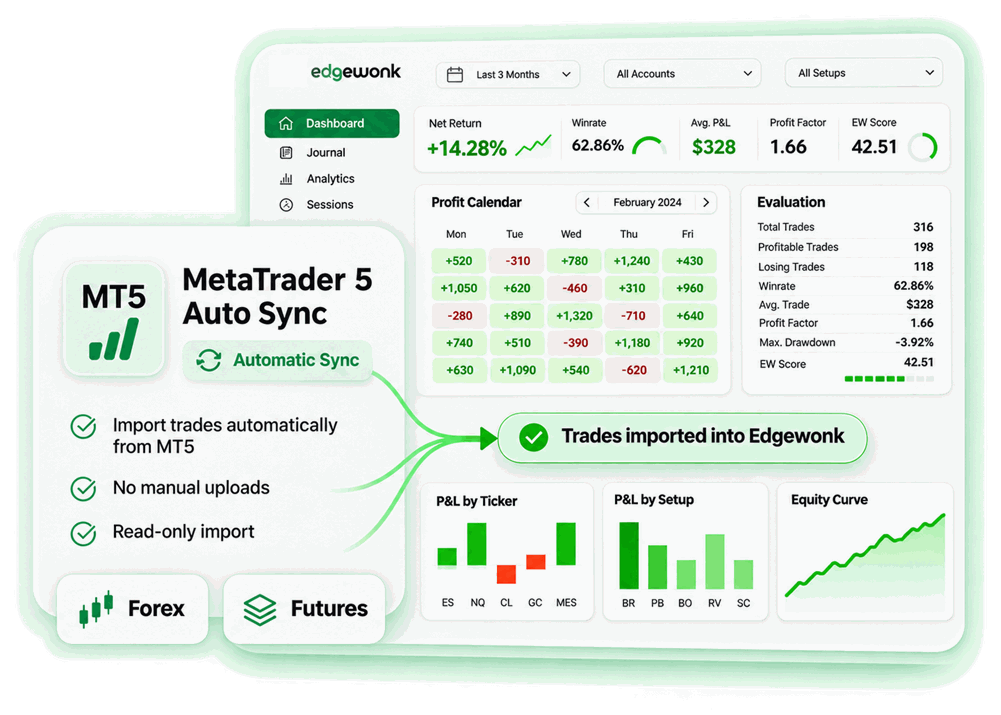
MT5 Auto Sync to Edgewonk
MT5 AUTOMATIC TRADE SYNC

Connect MT5 to Edgewonk in 3 simple steps

Set up automatic trade syncing once and let Edgewonk keep your trading journal updated.

01

Set up your MT5 connection

Select MT5 EA Auto Import in Edgewonk and generate your personal connection token.

02

Install the MT5 Expert Advisor

Install the Edgewonk Auto Importer in MT5, authorize the connection, and enter your token.

03

Analyze your trades

Your trades sync into Edgewonk, where you can analyze performance, mistakes, and trading discipline.

Turn your MT5 trades into better trading decisions

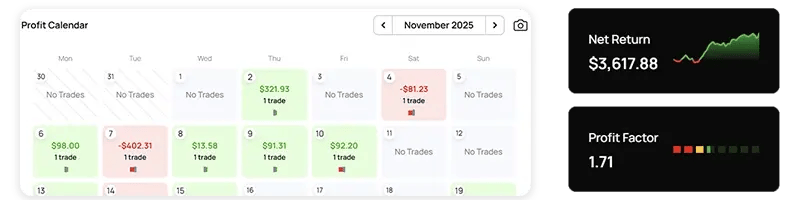
Automatically importing trades is just the beginning. Edgewonk helps you analyze your MetaTrader 5 performance, uncover costly mistakes, and find out what to improve next.

Find your best trading setups

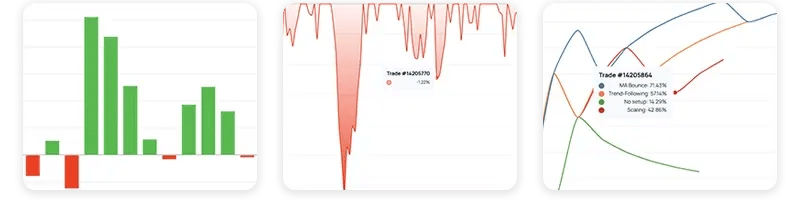
Discover which Forex pairs, futures contracts, trading setups, and trading times deliver your strongest results.

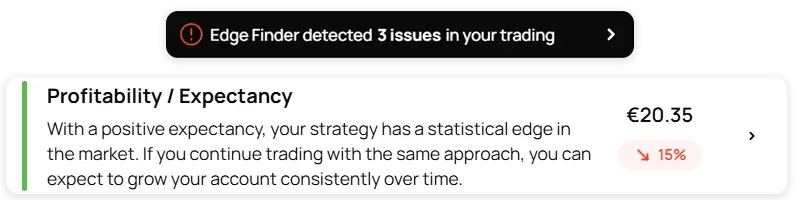
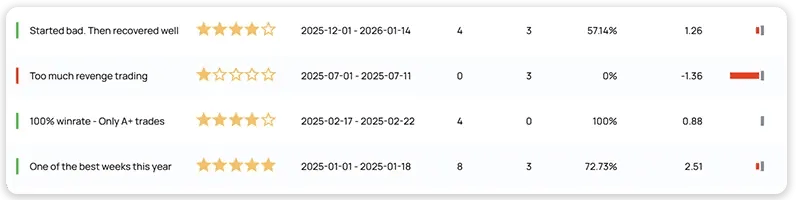
Edgewonk breaks down your imported MT5 trades so you can focus on what works and identify strategies that consistently underperform.

Improve your trade management

Are you cutting winners too early, moving stops, or interfering with profitable trades?

Edgewonk compares your actual and potential trade performance, helping you understand how your management decisions affect your results.

Optimize risk management

One oversized loss can wipe out the profits from several successful trades.

Analyze your risk distribution, drawdowns, and losing streaks to identify dangerous patterns and improve your money management.

Understand your trading psychology

Revenge trading, FOMO, and breaking trading rules can seriously damage your results.

Track emotions, rule violations, and recurring mistakes alongside your MT5 trades to discover how your decisions affect profitability.

 3-MINUTE VIDEO TUTORIAL

See MT5 auto sync in action

Watch how to connect MetaTrader 5 to Edgewonk and automatically import your trades in this short, three-minute walkthrough.

  • Set up your MT5 connection
  • Enable automatic trade syncing
  • Start analyzing your imported trades

Although the video shows MT4, the MT5 setup works identical.

The professional MT5 trading journal

icons8-sicherheitsbenutzer-weiblich-50

Privacy First

Your data is never sold, analyzed, or used to reverse-engineer your strategies. We only access your journal if you explicitly ask us to.

icons8-sicherheitsschild-grün-48

Highest Security

We develop with security at the core, ensuring your trading data is always protected. Independent penetration tests confirm that our systems are safe and reliable.

icons8-garantie-50

Decade of Trust

For over 10 years, traders worldwide have relied on Edgewonk to improve their performance, making it one of the most trusted trading journals today.

Frequently asked questions from MT5 traders


You’re Only 10 Minutes Away from Taking Control of Your Trading

Stop hoping for better results — create them. Edgewonk gives you instant clarity on your trading so you can make smarter decisions and start seeing real progress fast.

icons8-uhr-50 Start in minutes     icons8-geprüft-50 14-day refund period