
 For New Traders
 For Breakeven Traders
 For Profitable Traders
Edgewonk Adds Deeper Trading Analytics to Chart Lab
This week, Edgewonk received one major upgrade.
1 min read
We are currently finalizing the integration of our Missed Trades feature. We are introducing a new tab that lets you track and analyze trades you didn’t take. Missing trades happens for various reasons and it is mostly due to either flaws in the process or a lack in confidence/conviction. The Missed Trades feature will help you understand this part of your trading better.
However, in the meantime, we have been working on a few other smaller isses and we just released a small update to Edgewonk 3.
A lot of you have requested a feature to export your Edgewonk trades. And we have just added the first version of our Excel-based export. For now, you can export trades from the journal in Excel format. We, for now, only export a few columns of the journal but we will add more columns and data points to the report later.

A few users reported issues with the new Excel trade import and we identified a bug that mixed entry and exit trade dates during the import. This has now been fixed and the Excel import will work normally now.
We have also fixed smaller issues, improved formulas at various places and overall ironed out bugs that we found with your help. Thanks for that and for the ongoing support and feedback.
We just wanted to provide a small update about the current status of our development. Once the Missed Trades have been added, we are going to work on a lot of other, smaller improvements that our users reported and wished for.
Happy journaling
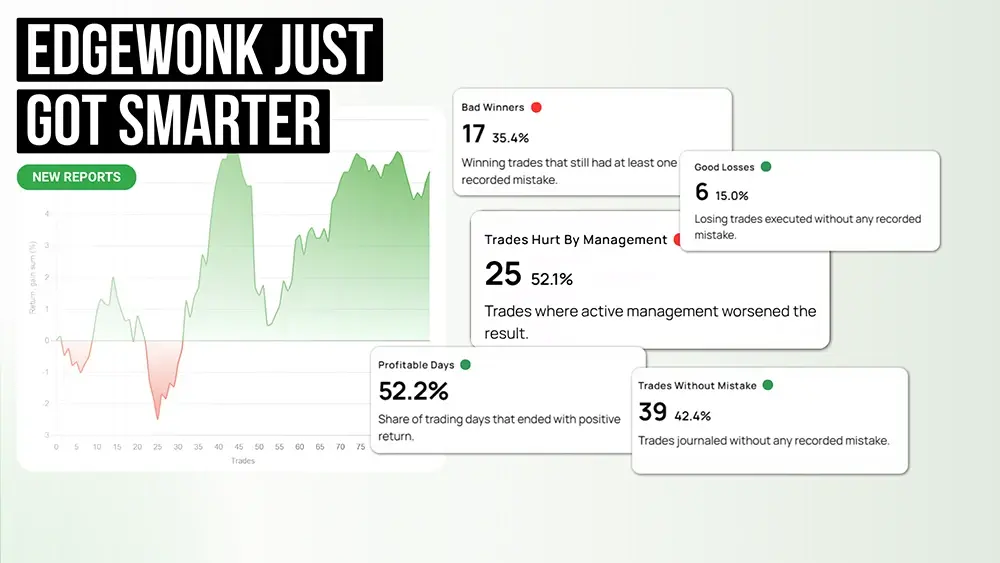
This week, Edgewonk received one major upgrade.

Many traders think of journaling as extra admin work after the trade is already over. But a good trading journal is not just a place where you store...

A trading journal is one of the most important tools a trader can use to improve their performance. It helps you record your trades, review your...